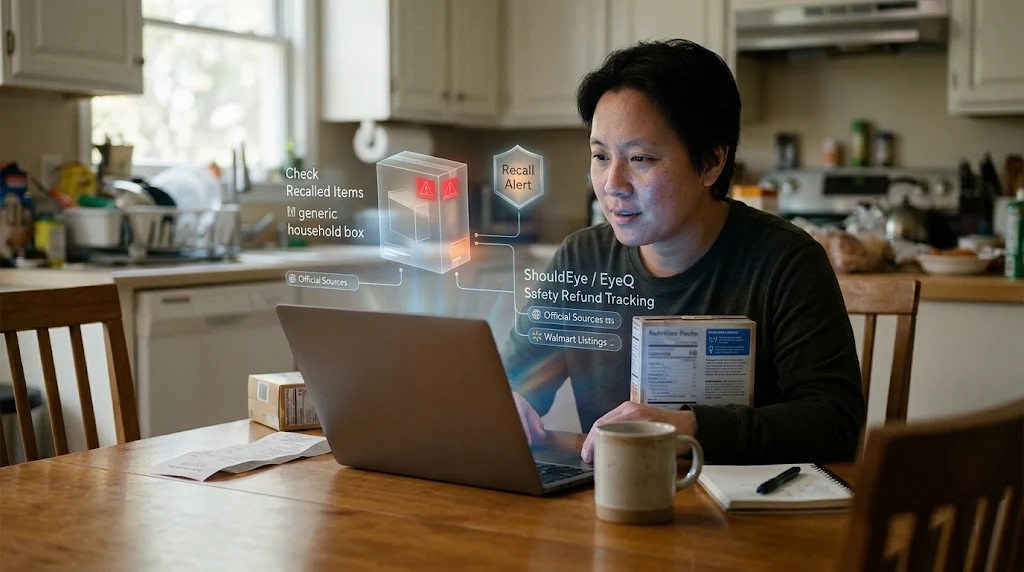
A person works on a laptop in a kitchen surrounded by floating holographic recall alerts and grocery safety data icons.
Photo · geminiWhen you see a news headline about a recall, the first question is usually, "Do I have that product?" A recall means a product is being removed from the market because it may pose a risk to consumers. For shoppers who bought an item at Walmart, the answer can be found on the retailer's own recall page if you know where to look and what details to match. In this guide, we walk through exactly how to locate Walmart's recall listings, verify whether your specific purchase is listed, and what steps to take if it is. The process is deliberately conservative: we rely on the information Walmart makes public, point out where the data may be incomplete, and show how ShouldEye and EyeQ can fill the gaps.
Understanding consumer safety alerts is essential whenever you shop at large retail stores. When an alert hits national news, your primary step is to check recalled items in your household pantry, nursery, or garage. Reliable tools like EyeQ and ShouldEye help track official notices and confirm your eligibility for a product safety refund without unnecessary delays.
What Is a Product Recall and Why It Matters for Consumer Safety Alerts
A recall happens when a product is removed from the market because it may pose a risk to consumers. The risk can be health-related (e.g., a contaminant in food), safety-related (e.g., a choking hazard in a toy), or functional (e.g., a battery that overheats). Regulators such as the U.S. Consumer Product Safety Commission or the Food and Drug Administration issue the official notice, and manufacturers are required to inform retailers and the public.
For shoppers, a recall is a red flag that the item you own could be unsafe or non-compliant. Acting quickly by stopping use, returning the product, or seeking a product safety refund reduces exposure to the underlying risk. Checking official consumer safety alerts protects your family from hidden hazards in everyday consumer goods. When dangerous products slip into distribution networks, monitoring the FDA recall list and CPSC bulletins ensures you stay aware of emerging defects.
Where to Find Walmart Product Recalls and Official Listings
Walmart hosts a dedicated Product Recalls section on its website. You can reach it by scrolling to the bottom of any Walmart page and clicking the link labeled Product Recalls. The page aggregates notices that mention Walmart, whether the retailer issued the recall or simply sold the affected item.
A few practical points to keep in mind when browsing these listings:
No single master list for 2026: Walmart does not publish a comprehensive, up-to-date master list covering the entire year. The page is updated as new notices become available, but the exact frequency is not specified.
Listings may be manufacturer-driven: If a recall notice says "sold at Walmart" it means the product was sold there, not that Walmart initiated the recall. The responsibility for refunds or replacements typically lies with the manufacturer or the regulator.
Limited search features: The page does not provide an automated UPC code lookup database, so you will need to scan the list manually or use a browser find function.
Because these retailer directories can lack comprehensive search tools, buyers seeking to check recalled items often turn to external consumer databases. Cross-referencing retailer posts with national portals like Recalls.gov guarantees you do not miss critical warnings.
How to Verify Your Item and Run a UPC Code Lookup
To confirm whether a purchase is part of an active notice, follow these five steps:
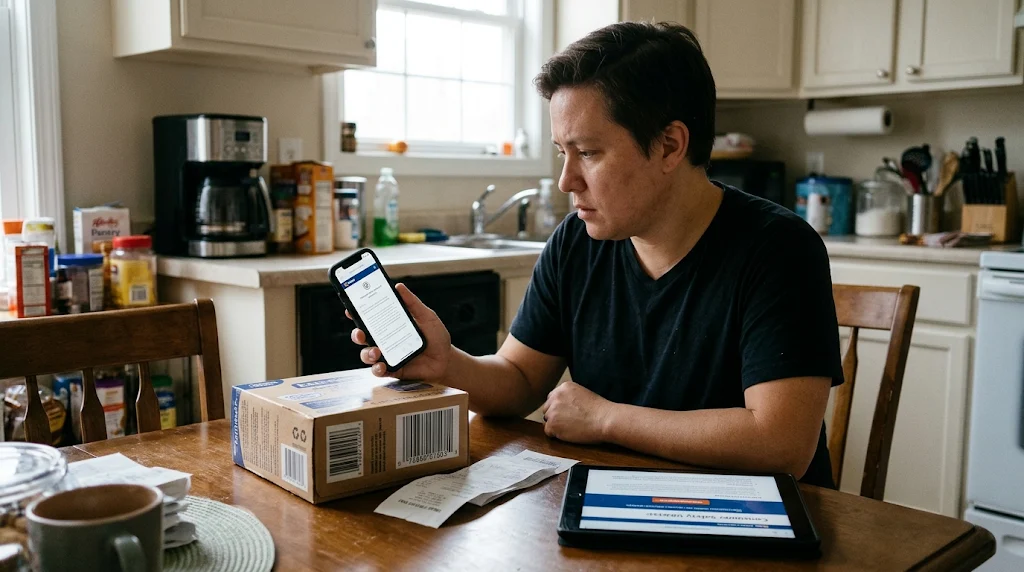
Gather your purchase details: Keep the receipt, the product's brand name, model number, UPC (usually on the barcode), and any lot or batch codes printed on the packaging.
Open Walmart's Product Recalls page: Use the link at the bottom of the site or navigate directly to walmart.com/help/article/product-recalls.
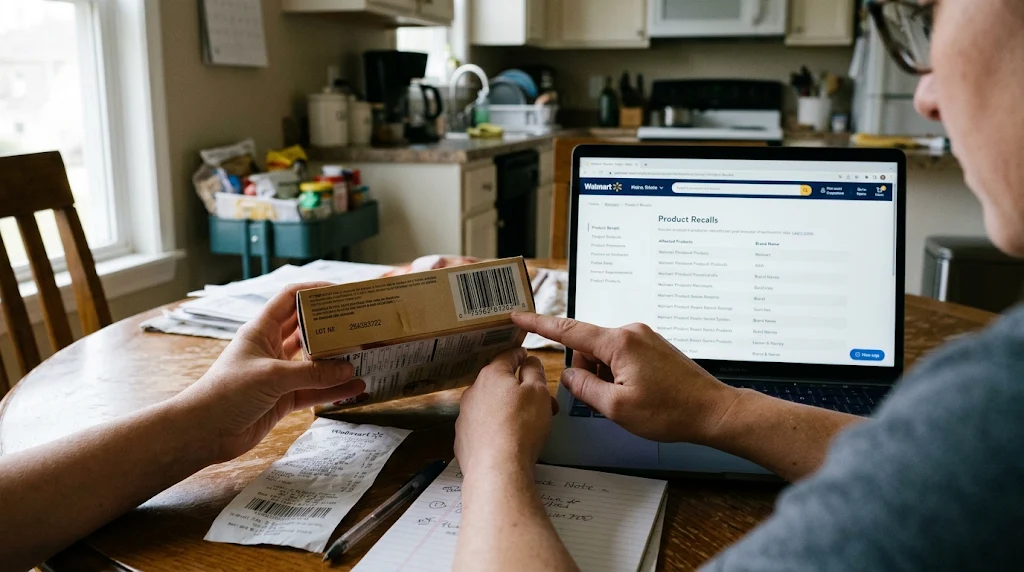
Scan the list for your brand: Look for the brand name you noted. If the list is long, use your browser's Ctrl+F (or Cmd+F) to find the brand quickly.
Match the specifics: Once you locate a potential match, compare the UPC, lot code, and description against your item. A recall notice will often include a short description of the defect and the affected batch numbers.
Check the source of the notice: If the notice states "sold at Walmart" rather than "Walmart recall", you will need to contact the manufacturer or the agency that issued the recall for the next steps.
EyeQ tip: While you are reviewing the list, you can ask EyeQ to pull the latest recall notice for a specific brand or UPC code lookup. It will surface the exact language from the regulator, saving you valuable time. Using EyeQ makes it seamless to check recalled items against active federal databases.
Common Red Flags in Recall Notices
"Sold at Walmart" wording: Indicates Walmart is only a point-of-sale. Refunds are not handled by Walmart directly.
Missing UPC or lot code: Some entries list only the product name. If you cannot find a matching code, double-check the manufacturer's website for a more detailed notice.
Broad product categories: Occasionally a recall covers an entire line (e.g., all 13-drawer dressers). If your item falls within that line, treat it as affected.
No expiration date on the notice: An older notice may have already been resolved. Verify the date of the recall to ensure it is still active.
Paying attention to these red flags helps you navigate confusing consumer safety alerts. When notices omit precise barcodes, checking both the FDA recall list and manufacturer announcements clarifies whether your household is at risk.
⚡ Reality Check
- Recall list is not exhaustive: Walmart’s page may miss some recent notices because it’s not a master list.
- Walmart isn’t the recall issuer: Items appear because they were sold there, not because Walmart initiated the recall.
- Refunds come from manufacturers: Walmart does not automatically process refunds for recalled items.
- Update cadence is unclear: The site’s refresh schedule isn’t publicly disclosed.
What to Do to Secure a Product Safety Refund
When an item in your home appears on an alert, prompt action prevents injury and protects your consumer rights:
Stop using the product immediately: Safety comes first.
Locate the original receipt: Proof of purchase is often required for refunds or replacements.
Contact the manufacturer: The recall notice will usually provide a phone number, website, or email address for the responsible party.
Follow the manufacturer's instructions: They may ask you to return the item, ship it for inspection, or simply discard it.
Document your interaction: Keep copies of emails, chat logs, or call reference numbers. This documentation can be useful if you later need to dispute a charge with your payment provider.
Check Walmart's policy: While Walmart does not automatically issue refunds for recalled items, the retailer may still accept a return if the product is in its inventory and the return window is open. Verify the store's standard return policy.
Because Walmart's recall page does not detail a specific refund process, the safest route is to work directly with the manufacturer or the regulating agency. That direct communication ensures you receive an authorized product safety refund or replacement kit.
How ShouldEye Helps You Check Recalled Items
ShouldEye aggregates the same recall listings Walmart publishes, but it adds three layers of protection:
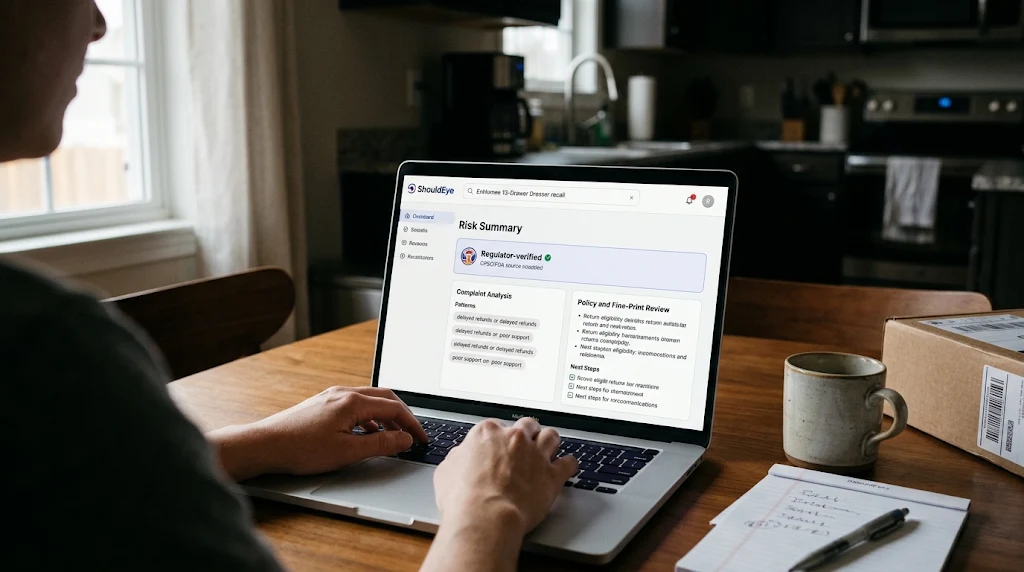
Trust signals: ShouldEye flags whether a notice originates from a regulator (CPSC, FDA) versus a third-party blog, helping you weigh credibility.
Complaint analysis: By scanning consumer forums and complaint databases, ShouldEye surfaces patterns such as delayed refunds or poor manufacturer support.
Policy and fine-print review: Our AI parses the fine print of Walmart's return policy and the manufacturer's recall terms, highlighting hidden clauses that could affect your rights.
With ShouldEye, you can run a single query (e.g., "EnHomee 13-Drawer Dresser recall") and receive a concise risk summary, the exact source document, and a checklist of next steps. It is a faster, more reliable way to confirm whether your purchase is truly at risk and helps you check recalled items across thousands of manufacturers.
Using EyeQ to Verify the FDA Recall List Before You Buy
Even if you have not purchased a product yet, you can use EyeQ to run a pre-emptive check. Ask EyeQ for the latest recall status of a brand or model you are considering. The tool will pull the most recent regulatory notice from the FDA recall list or CPSC portal, summarize any open recalls, and point out whether the item appears on Walmart product recalls. A reliable UPC code lookup with EyeQ can save you from bringing a potentially hazardous product into your home.
Walmart's Product Recalls page is a useful starting point, but it has limits: it is not a master list, updates are irregular, and refunds must be pursued through manufacturers or regulators. By gathering your purchase details, matching them carefully, and using a verification tool like ShouldEye or EyeQ, you can turn a vague headline into a concrete action plan. Stay vigilant, keep receipts, verify your goods against consumer safety alerts, and remember that the safest route to a product safety refund is always to follow the official recall notice from the regulator.
Frequently Asked Questions Live
Reader activity for this article, refreshed by EyeQ AI
6 active now 169 total asked 6 questions
1 How often does Walmart update its product recall page? Trending Consumer Protection 37 asked Updated 1m ago
2 Can I get a refund directly from Walmart for a recalled item? Trending Consumer Protection 34 asked Updated 2m ago
3 What information do I need to check if my product is recalled? Popular Consumer Protection 30 asked Updated 3m ago
4 Do Walmart’s recall notices include UPC numbers? Popular Consumer Protection 25 asked Updated 4m ago
5 How can I stay notified about future recalls? Rising Consumer Protection 23 asked Updated 5m ago
6 If a recall says "sold at Walmart," does that mean Walmart is responsible? Rising Consumer Protection 20 asked Updated 8m ago
About ShouldEye
ShouldEye is an AI-powered trust intelligence platform that helps people evaluate companies, offers, and online experiences through scam checks, policy analysis, complaint signals, and safer alternatives.
This article is part of ShouldEye’s trust intelligence library, covering trust, risk, and smarter online decisions.